Hi, thank you for providing this very good resource for CasaOs. I installed the nextcloud and using the default login (casaos, casaos) it does not work.
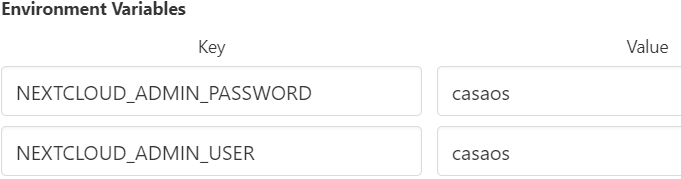
In Docker the configuration is the default as below:
Do you have any recommendation on how to solve this?
Good afternoon
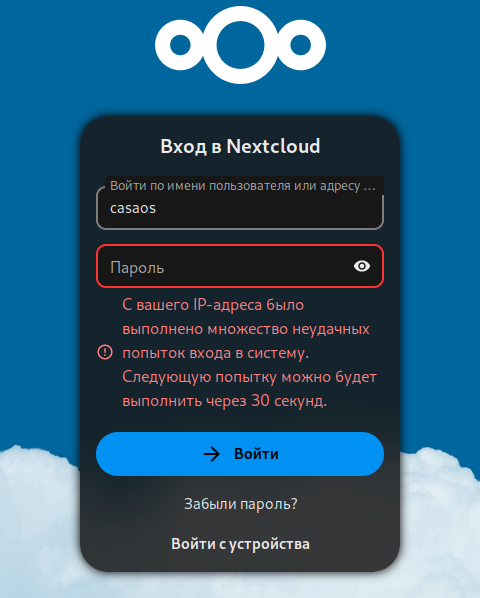
I’m trying to enter the following in the nextcloud login and password form:
casaos casaos
I’m thrown back to the input form and I can’t log in.
How can I resolve the problem?
I found out I get this error when I try to login with brave on windows. When I use incognito mode or a different browser(chrome) I can login with no issue. Not sure why this happens though…
When You have empty Nextcloud, You can completely uninstall it and install again.
But quick and better way (also preserver Your data) is reset admin user password.
It can be done very easily. On Host side use this command: docker exec -it containeridorname -u www-data php /var/www/html/occ user:resetpassword admin
How to obtain container ID:
docker ps | grep -i nextcloud
First column is ID of container nextcloud (every team when You restart this container, it has new ID). It is in this form: 9e59fe3be896. Remember it is example. You must search Your own ID.