WireGuard Easy v15 - Complete rewrite with new features and improved UI. NOTE: This has breaking changes from v14. If you’re currently using v14, please back up your configuration before migrating.
v15 uses INIT_* variables for unattended setup (only used on first start)
Yes, almost all of us here on forum. CasaOS is just wrapper (web UI fronted) for docker containers.
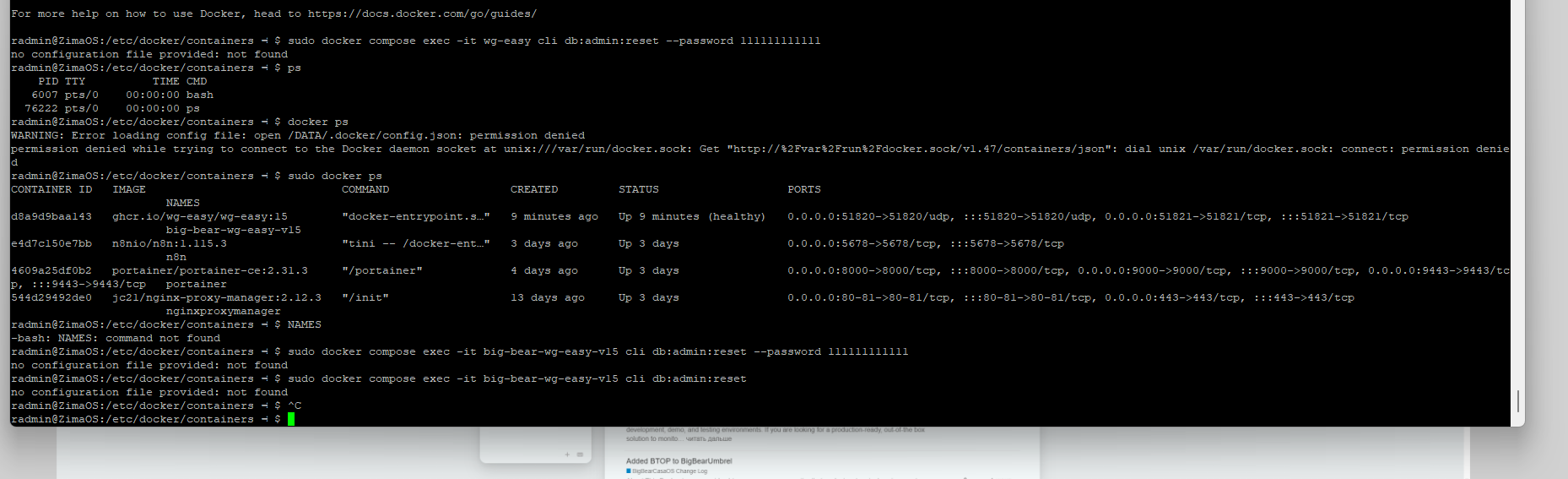
Docs link which I provided You mention this command to run on Host (Linux, where is Your CasaOS isntalled):
First line in not necessary.
Use just second line under root user permission.
Listing all docker running: docker ps
Filter wg-easy: docker ps | grep wg-easy
Maybe there will be name like wg-easy-v15 something like that.
This part of command:
cli db:admin:reset --password <new_password>
Will be executed inside running container, so You will change password. No matter If You run it on CasaOS or whatever else, this command maybe successful for You.
I’m telling you, I managed to get rid of the https message, I should have specified this argument before installing the application, but I still can’t reset the password)
Hi all, I added INSECURE , change my user name change the password to fit 12 characters, delete wg.db in /ZimaOS-HD/AppData/big-bear-wg-easy-v15/data, start and it works
UDP/51820 is port on Your Host, where docker WG Easy V15 is running and waiting for incoming data. So if You ask for Your router. Port forward this mentioned UDP port from Router to Your Host computer/server.
Example:
internet → router WAN IP UDP/51820
forwarded to 192.168.10.10 (Your server) UDP/51820
I keep getting the message ‘can’t access property “authenticated”, session is undefined’ when I try to open the container. I’m using ZimaOS on my home server. In Portainer the container is flagged as being “healthy”. What am I doing wrong?
Hi @Qwerty and welcome here! Do You use some kind of Identity provider (Authentik) or proxy (like NPM)? I tried to search “authenticated” on github issues, no success.
In BigBear CasaOS repository is v15.0, but on upstream, there is v15.1 docker available.
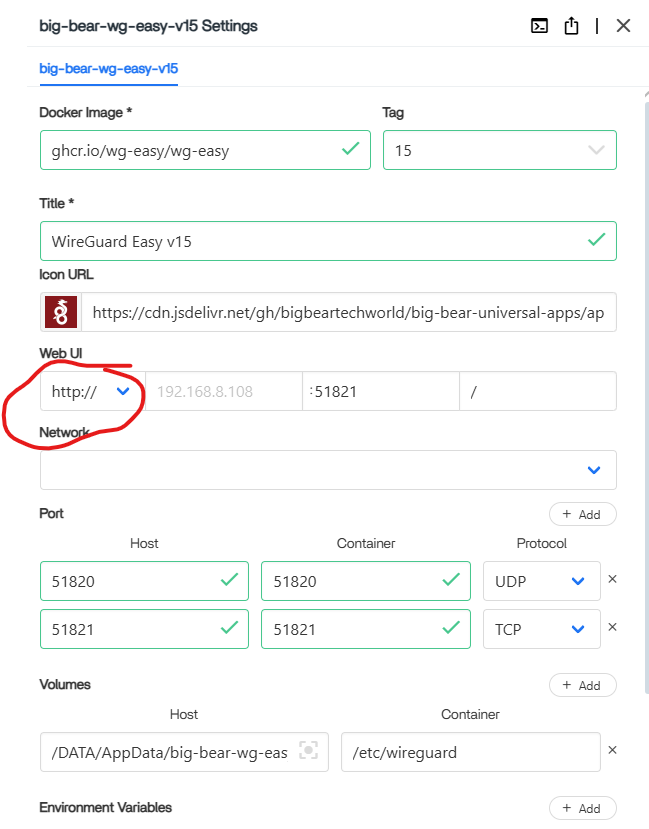
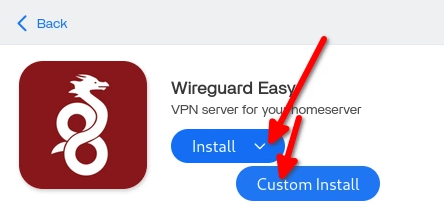
So, You can try to mouse over blue button install, “custom install“ pops, You can manually change:
Thanks for the reply. I have Duckdns(dynamic IP address from my ISP) installed. I’m also running a VPN on my router, so maybe this is the issue and I have to switch the VPN off to get it all running. I will try the custom install over the weekend.